Client
Role
Year
Web App
RTL
Design System
Built with AI
/
Overview
An office OS, designed and built solo with AI
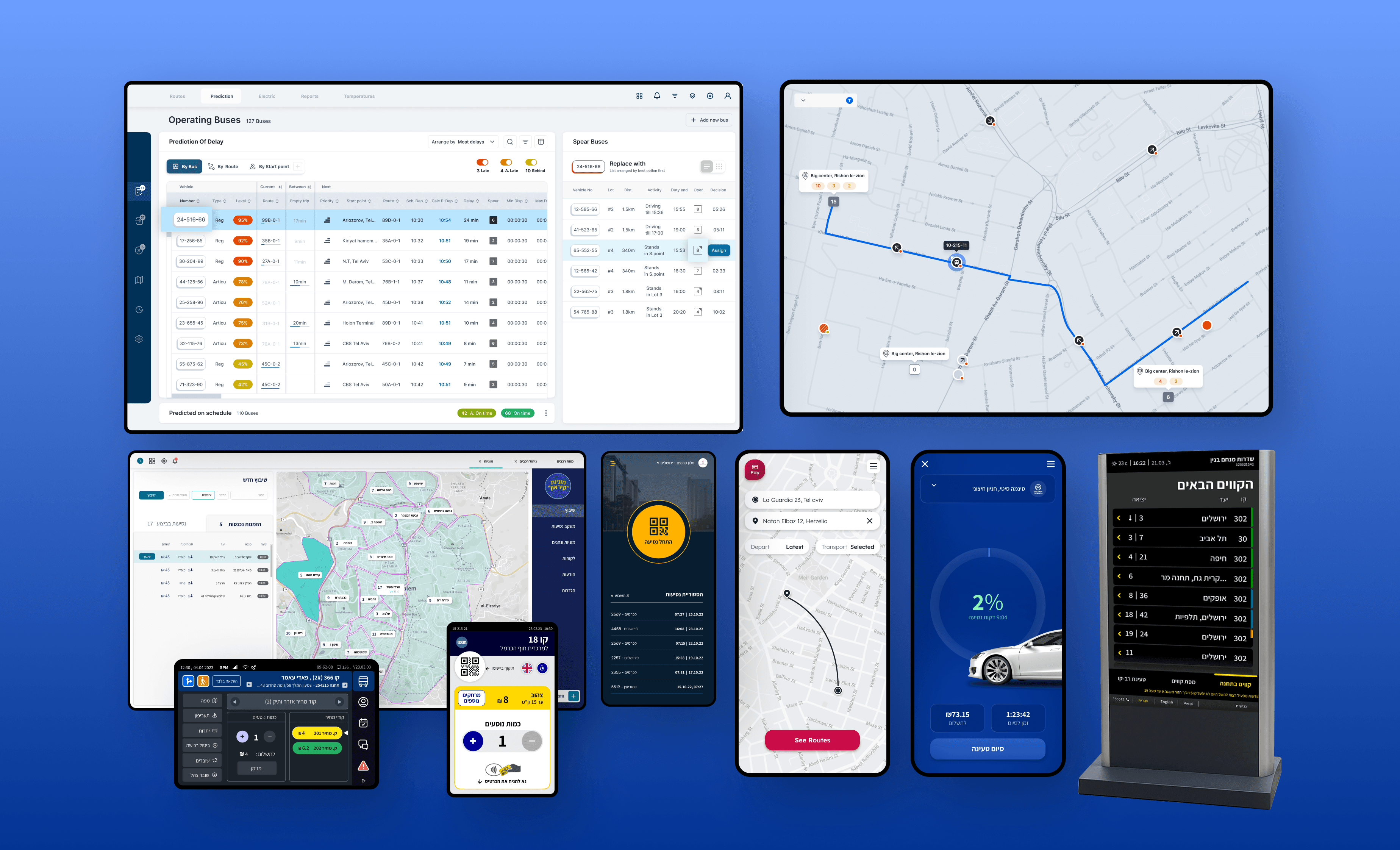
A boutique architecture studio was running about 60 live projects and a dozen people on a pile of disconnected spreadsheets: separate files for clients, tasks, projects, the team, technical specs, quotes. Nothing synced.
The same number lived in five files and disagreed in all of them, and every new hire had to learn which file to trust for what.
The brief was to build something as simple as a spreadsheet but built like a system: a CEO who sees everything and staff who see only their own week, from the same screens, with zero training.
/
The Approach
(01)
A system, not a screen
I designed the app shell first: navigation, layout frame, role logic, so finance, projects, weekly tasks, invoicing, quotes, clients and scheduling all slot into one frame.
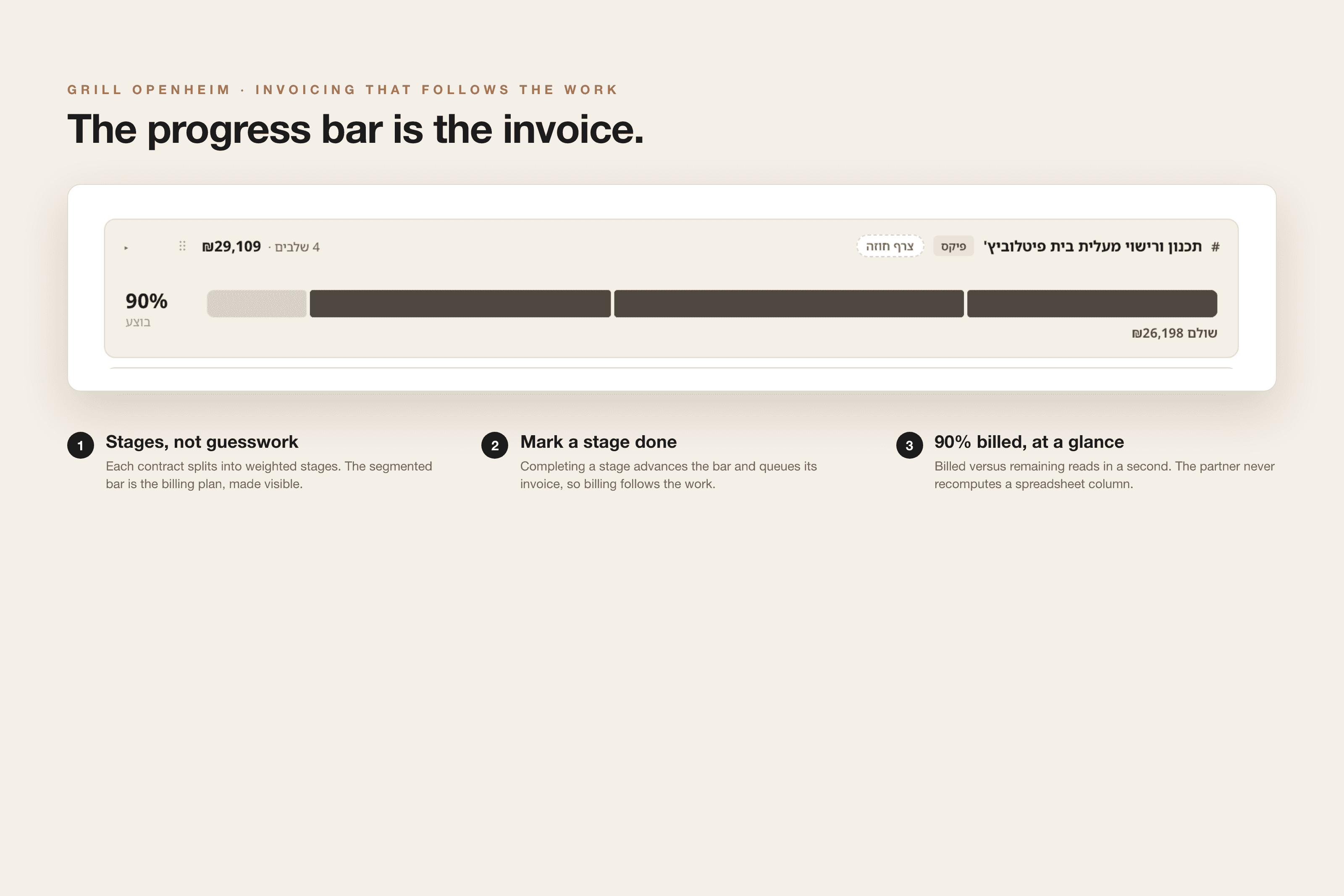
The hard part was the data model. A single project can carry many contracts, each with its own weighted stages, and the system rolls them up into one project number without anyone redoing the math. Seven spreadsheets that disagreed became one source of truth.


/
Access & Trust
(02)
Role-aware by design
Money lives one toggle away from disappearing.
Invoicing, budgets, profitability: for anyone without admin rights, these surfaces are gone, not greyed out. One eye toggle wipes every number off the screen for a shoulder-surf moment. The interface never shows you a door you can't open.



/
Design System
(03)
Looks like the firm, not like software
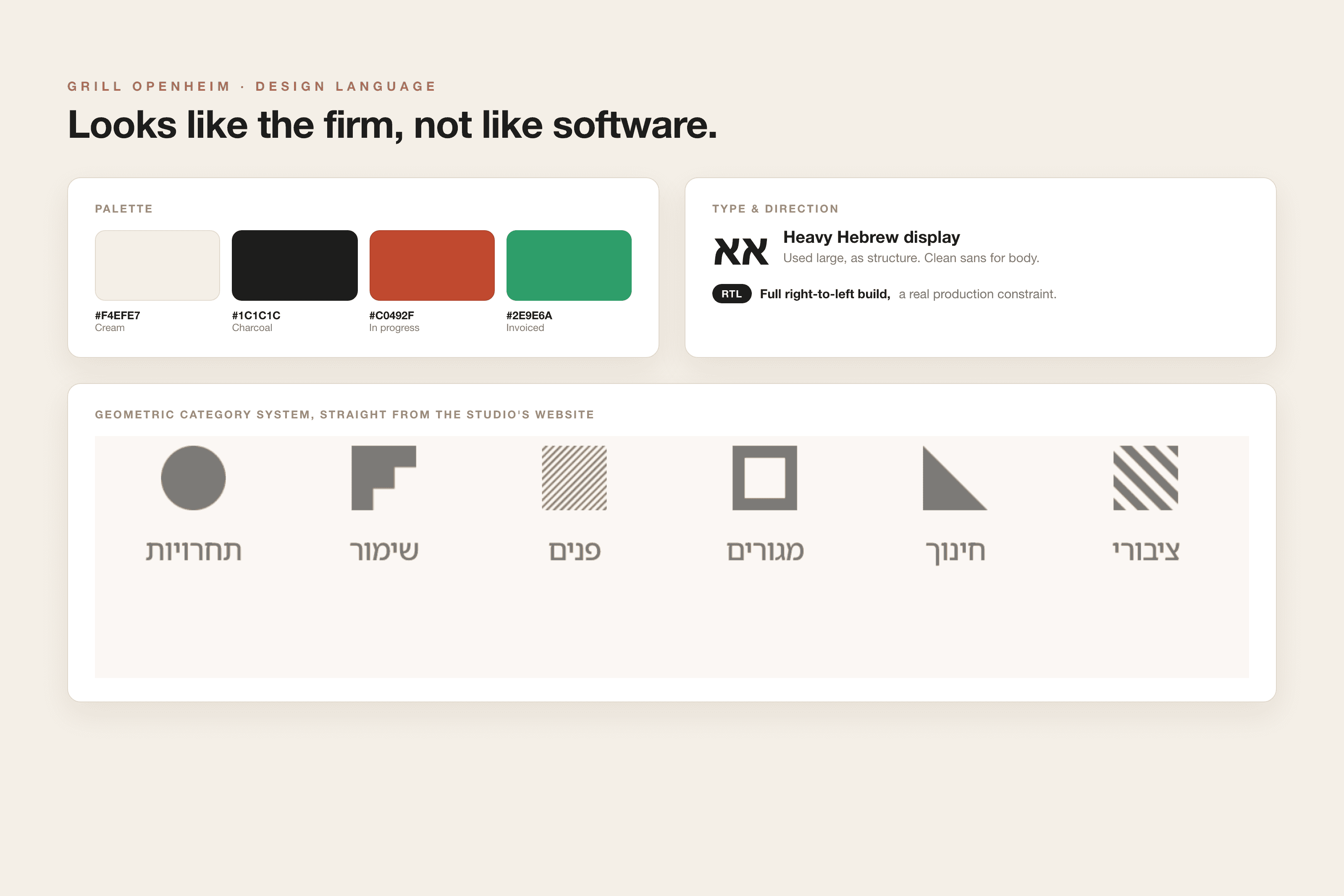
Built on the studio's own brand: cream and charcoal, a heavy Hebrew display type used as structure, and a geometric icon system where each shape is a project category. Reusable components, consistent states, full right-to-left. It feels like the firm, not like a SaaS template.

/
Design + Build
(04)
Designed and shipped with AI
I didn't hand off a design file, I shipped the product.
Working solo, I paired design craft with AI build tools and went from concept to a live React and Firebase app: real-time data, Excel import and sync, authentication, role-based access.
Designing and building in one loop meant every interface decision was made against real data and real edge cases. Shipping real software also means real edges: the team reports bugs in plain language inside the tool, and one piece I meant to automate, routing those reports straight to fixes, is not fully live yet. I left it visible rather than fake it.
The result is in daily production use: the full team adopted it with no training, and it keeps growing on the same foundation.
View the live demo